Middle & High School Program

LEARN TO DIRECT AI
WITH A COACH BESIDE YOU

In-person classes in Irvine for ages 11–16. Watch a lesson with your cohort, then put it straight to work in a hands-on workshop, writing real prompts, generating images and video, and building your own AI tools. No coding, no prior AI experience.

Start here with Atlas!

An introduction to the AI Explorers program.

16
Video Lessons
5–11 min
Per Lesson
8
Topic Units
Included
Certificate
Now Enrolling

SEVEN SATURDAYS IN IRVINE, STARTING SAT, SEP 19

A coach-led cohort for students aged 11–16. Each session runs 12:00pm–2:00pm. Watch a lesson together, then put it straight to work in a hands-on workshop. No coding, and no prior AI experience needed.

7 Sessions
  1. Session 1
  2. Session 2
  3. Session 3
  4. Session 4
  5. Session 5
  6. Session 6
  7. Session 7

Every Saturday 12:00pm–2:00pm, with a break on Sat, Oct 17. Runs through Sat, Nov 7.

Where
OC Music & Dance
17620 Fitch
Irvine, CA 92614
Register for this cohort(opens in a new tab)

Registration is handled by OC Music & Dance, who host the classes.

Why It Matters

PREPARE YOUR CHILD FOR THE AI FUTURE, THE RIGHT WAY.

AI is already reshaping how students learn, create, and compete. The ones who thrive won't just be the ones who use AI the most. They'll be the ones who direct it. Anyone can follow an AI prompt. Your child will learn to be the one giving the commands.

AI Explorers gives young learners a structured, engaging path to understand AI as a thinking tool, not a shortcut. Each lesson is built around a real skill, a real project, and a real ethical foundation. Because knowing how to use AI means nothing without knowing when, why, and whether you should.

Students who complete the program leave knowing how to direct AI tools with purpose: giving clear instructions, evaluating outputs critically, and building things that actually work. Skills that transfer to every subject, every career, and every field AI touches, which is all of them.

Master Prompting

Directing AI starts with knowing how to talk to it. Your child learns the art and science of giving AI clear, purposeful instructions, a skill that transfers to every subject and every career.

Learn How to Build AI Agents

Students don't just watch AI work. They learn how to direct it. Learn how to design and deploy a real AI-powered workflow, with your child in the driver's seat the entire time.

Learn AI Creation

Learn how to generate images, video, audio, and written content with the same tools professionals use today, and the judgment to use them well.

Stay Safe & Smart

Every unit covers AI ethics, hallucinations, bias, and responsible use, so your child leads with good judgment, not just good output.


Curriculum

8 UNITS. 16 LESSONS. ONE COMPLETE PROGRAM.

Each unit builds on the last, from AI fundamentals all the way through building real tools, thinking critically, and leading with integrity in an AI-powered world. Students work through the lessons in order with their coach, then apply each one in a hands-on workshop.

Unit 01 · 2 lessons

What Is AI?

How AI learns, where it came from, and why human direction still matters most.

with Atlas & Maya
Unit 02 · 3 lessons

Prompting

The 3-part formula, the 4Rs meta-prompt, and iterating with chain-of-thought.

with Kai, Iara & Carter
Unit 03 · 2 lessons

AI Image Creation

Painting with words, art direction, mood, and consistent visual style.

with Colette & Emilio
Unit 04 · 1 lesson

AI Video & Audio

Directing AI-generated video and audio scene by scene.

with Mei
Unit 05 · 2 lessons

Build Your Own AI Assistant

Design a real AI Blueprint and turn it into a working assistant.

with Nico & Haven
Unit 06 · 2 lessons

Automations & Agents

Triggers, actions, and AI agents that pursue goals on their own.

with Jalen & Ananya
Unit 07 · 1 lesson

Building with AI

Vibe-coding apps and tools. No prior coding experience needed.

with Luke
Unit 08 · 3 lessons

Critical AI Use

Spotting hallucinations, fact-checking, ethics, and AI-powered studying.

with Soleil, Seo & Audrey
Meet Your Guides

ONE STUDENT GUIDE PER LESSON.

Every video lesson is led by a different student character, each with their own background, skill, and story. They make the concepts real because they live them. Then your in-class coach takes it from there.

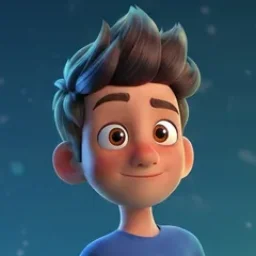
Atlas, the student guide for L00: Welcome to AI Explorers

Atlas

L00 · What Is AI?

"Everyone uses AI. Almost no one understands it."

You're about to become someone who does. Atlas opens the program with the one thing most people skip: what AI actually IS, where it came from, and why the next few years belong to people who get it. Curious? Good. That's the first skill.

Define AI in your own wordsExplain how AI learns from examplesName 3 AI tools you already use

Full Lesson Plan

WHAT YOUR CHILD WILL LEARN

Sixteen lessons across eight units, taken in order. Open a unit to see its lessons.

Unit 1

What Is AI?

2 lessons
Lesson 00 · with Atlas

Welcome to AI Explorers

Your journey starts here.

"Everyone uses AI. Almost no one understands it."

You're about to become someone who does. Atlas opens the program with the one thing most people skip: what AI actually IS, where it came from, and why the next few years belong to people who get it. Curious? Good. That's the first skill.

Lesson 01 · with Maya

AI vs. Humans: What Makes Us Different?

Are we competing… or are we teammates?

"AI can scan a million photos in a minute. You can't."

But there's something YOU can do that AI absolutely cannot. And most people get this completely backwards. Maya breaks down what each side does best, why teaming up is the secret, and the moment everything changes: when you realize you're the director, not the passenger.

Unit 2

Prompting

3 lessons
Lesson 02 · with Kai

Your Words Are the Superpower

Why your prompts are getting you nowhere.

"Have you ever typed something into AI and gotten back a totally useless answer?"

It wasn't AI's fault. It was your words. Kai shows you the one shift that turns AI from frustrating to unstoppable. It's the same shift that separates people who get amazing results from everyone else. By the end, you'll never look at a prompt box the same way.

Lesson 03 · with Iara

The 4 R's: Your Meta Prompt Framework

Four ingredients. Outstanding results. Every time.

"Most people throw words at AI and hope something good comes back."

There's a better way, and it fits on a single card. Iara hands you the framework professionals use to get exactly what they want from AI, every single time. You'll walk away with your own personal prompt card you'll actually keep using.

Lesson 04 · with Carter

Level Up: Iteration & Chain-of-Thought

Your first prompt is just the starting line.

"What do you do when even your best prompt isn't quite right?"

Carter reveals the loop that turns good AI users into great ones, a skill so powerful it works far beyond AI. Plus a single trick that makes AI dramatically smarter on hard problems. (Most people have no idea this exists.)

Unit 3

AI Image Creation

2 lessons
Lesson 05 · with Colette

Painting with Words: AI Image Creation

Your words are a paintbrush.

"She made a stunning piece of art in 30 seconds. With zero art skills."

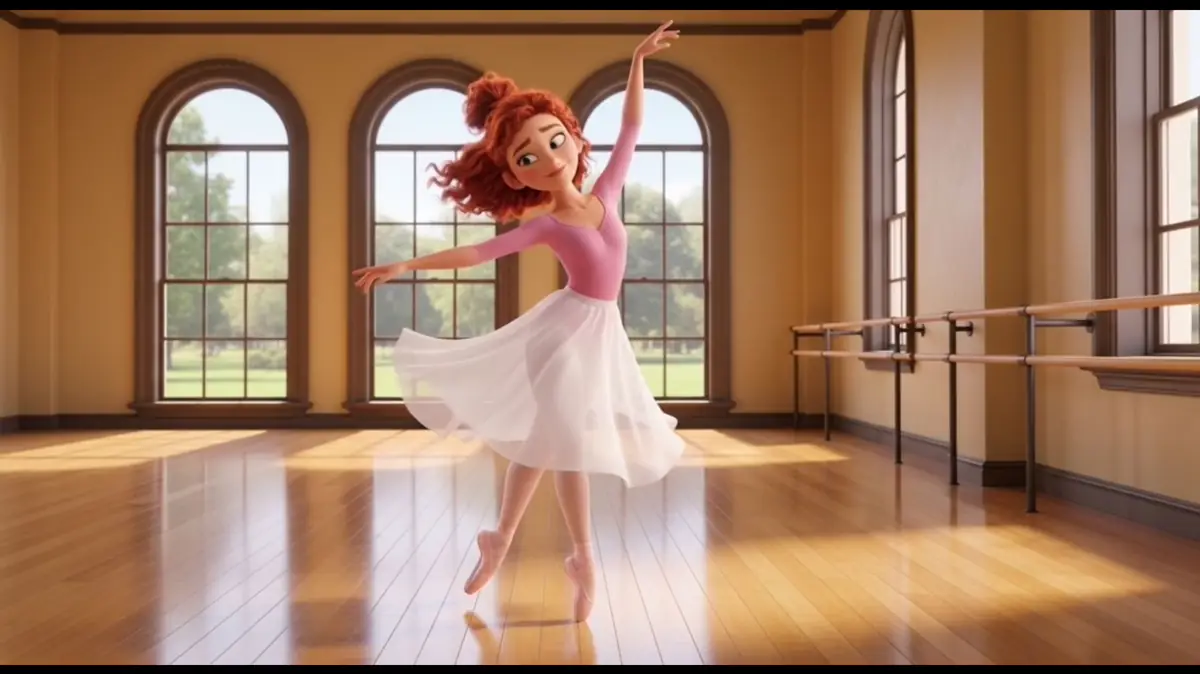
And it wasn't luck. Colette, a teenage ballerina, shares the five-ingredient recipe behind images that actually look incredible, plus the one question every AI artist needs to ask before hitting share. The more specific you are, the more vivid the picture.

Lesson 06 · with Emilio

Style, Mood & Iteration: AI Art Director

The best AI artists aren't lucky.

"Why do some people's AI images always look amazing, and yours don't?"

It's not the tool. It's the toolkit. Emilio breaks down the four moves real art directors use to control style, mood, and feeling in every single image, including the trick that tells AI exactly what NOT to make. Stop hoping. Start directing.

Unit 4

AI Video & Audio

1 lesson
Lesson 07 · with Mei

Lights, Camera, AI: Directing Video & Audio

AI can make videos now. Real ones.

"Plot twist: Mei's voice in this lesson? AI generated it."

And by the end, you'll know exactly how she did it, and how to direct your own AI-generated story, scene by scene. Camera angles, audio tones, the works. Plus an honest conversation about deepfakes that every creator needs to hear.

Unit 5

Build Your Own AI Assistant

2 lessons
Lesson 08 · with Nico

Design Your AI: What Should It Do?

Plan first. Then climb.

"What if AI worked for YOU, independently, on its own?"

Nico designed an AI climbing companion named Scout that researches routes, flags weather, and tells him when to turn back. He didn't write any code. He planned out its 5 layers on paper first. And by the end of this lesson, you'll have planned yours too, for an AI you actually want.

Lesson 09 · with Haven

Build It: Your Custom AI Assistant

Your plan becomes a real, working AI.

"You designed an AI assistant. Now what?"

Haven takes your prior lesson and turns it into something that actually works: a real, custom AI you built yourself. She walks you through testing, debugging, and one ethical question every builder has to answer before they ship anything. (Yes, you'll have a working AI by the end.)

Unit 6

Automations & Agents

2 lessons
Lesson 10 · with Jalen

AI on Autopilot: Triggers, Actions & Automation

Run the play.

"What if your phone automatically did the boring stuff, without you?"

Jalen, a teenage wide receiver, shows how AI automation works exactly like a football play: someone calls it, the system runs it, and a coach watches from the sideline. Build your first automation, learn the one rule of when NOT to automate, and reclaim hours of your week.

Lesson 11 · with Ananya

AI Agents: Teaching AI to Plan Ahead

An agent doesn't just follow orders. It makes decisions.

"What's the difference between AI doing a task and AI pursuing a goal?"

Ananya, a competitive gymnast, uses an unexpected metaphor (a gymnastics routine) to make this click. You'll design an AI agent that can think on its feet… and learn the one thing every great agent designer knows: where the routine ends and YOU step in.

Unit 7

Building with AI

1 lesson
Lesson 12 · with Luke

Vibe Coding: From Idea to App

You don't play every instrument. You direct the sound.

"What if you could build a real, working app, without writing a single line of code?"

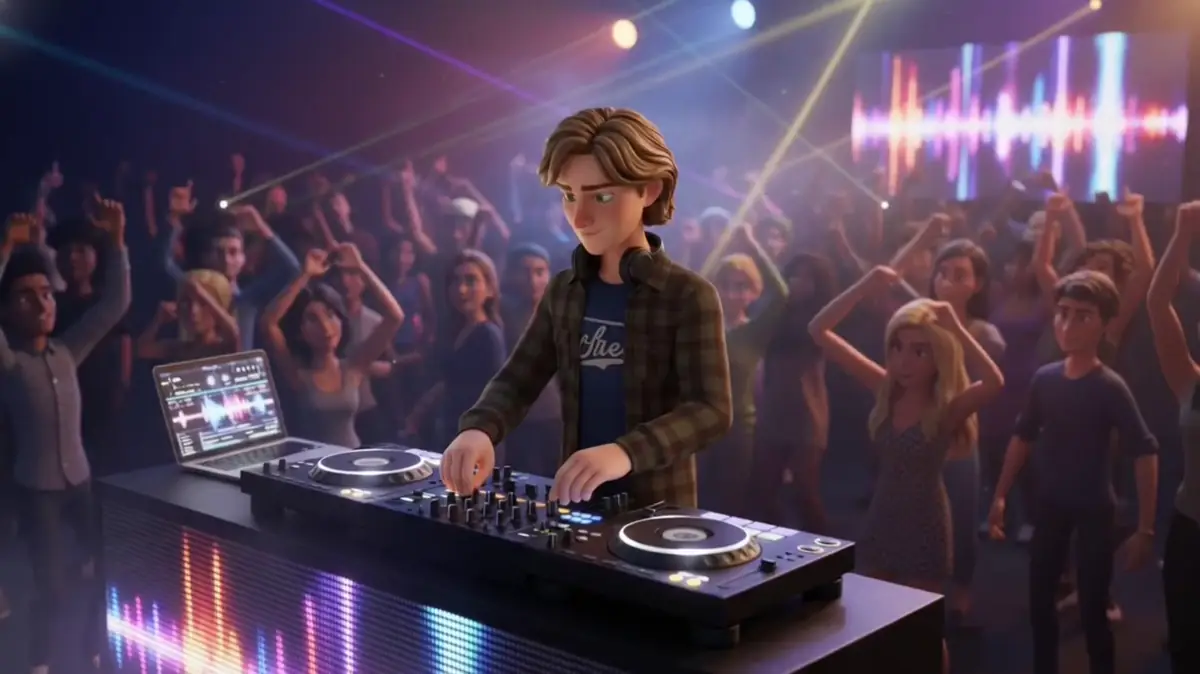
Luke, a teenage music producer, built a music app last Tuesday. His whole class uses it now. The skill? It's the same one a great producer uses in the studio every day. By the end of this lesson, you'll know how to build something real of your own: yours, working, live.

Unit 8

Critical AI Use

3 lessons
Lesson 13 · with Soleil

Trust But Verify: AI Hallucinations & Fact-Checking

AI can be confidently, completely wrong.

"Soleil almost stood in front of her whole class and said something that wasn't true."

AI told her, confidently, with detail, sounding totally legit. The scariest part? AI never tells you when it's making things up. Soleil shares the exact 3-step move she uses now to catch it every time. This one might be the most important lesson in the whole program.

Lesson 14 · with Seo

Fair, Safe & Honest: The Ethics of AI Use

Powerful tools come with real responsibility.

"Seo almost made a mistake online he couldn't take back."

He thought he was doing everything right with AI, until he wasn't. Now he's sharing what he wishes someone had told him first: the six things every creator needs to think about before they hit publish. No lectures. Just real talk from someone who learned the hard way.

Lesson 15 · with Audrey

AI as Your Learning Partner

Skip the thinking… or build the thinking?

"Audrey wrote a song with AI. Her teacher asked her to explain it. She had nothing to say."

The song wasn't really hers. And she hadn't actually learned anything. That moment changed how she uses AI forever. Audrey shares the one question that determines whether AI makes you smarter or hollows you out, and exactly how to prompt for the better outcome.

How It Works

THREE STEPS TO CERTIFIED.

  1. Step 01

    Register Your Student

    Sign up your student for the AI Explorers class through the enrollment form. Our team confirms their seat and shares the schedule.

  2. Step 02

    Learn with a Coach

    Students join their cohort in class. An OCMD coach walks them through each video lesson, then leads a hands-on workshop where students apply the concepts on the spot, writing real prompts, generating images and video, and building their own AI tools side by side with the coach.

  3. Step 03

    Earn the Certificate

    Complete all 16 lessons and pass the unit quizzes, and your student earns an AI Explorers Certificate of Completion to keep and share.

After Completing the Program

YOUR CHILD WILL BE ABLE TO:

  1. Explain what AI actually is

    Describe how AI learns from data, why it makes mistakes, and why the human giving the instructions is always the most important part of the equation. Most adults can't do this.

  2. Use the 4Rs prompt formula

    Apply a professional-grade prompting framework to any AI task: a named, repeatable system that turns vague questions into precise instructions.

  3. Iterate with chain-of-thought

    Know that the first prompt is just the starting line. Use iteration and chain-of-thought techniques to tackle harder problems. That is the move that separates good AI users from great ones.

  4. Produce images, video & audio

    Learn how to generate and direct professional-quality creative media: image prompts with mood and style, AI video scene-by-scene, and AI-generated audio, using the same tools professionals use today.

  5. Design & deploy an AI agent

    Learn how to write a real AI agent job description, design an AI Blueprint document, and what it takes to deploy a working custom AI. Not just thinking about using AI, but understanding how to build it to solve a real problem they identified.

  6. Build an app without writing code

    Learn vibe-coding: how to describe what they want in plain language so AI can write the code, then walk through generating, debugging, and deploying a working tool. No prior coding experience required.

  7. Run a 3-step hallucination check

    AI can be confidently, completely wrong. They'll learn the exact fact-checking process Soleil uses to catch it every time, a skill that matters far beyond AI.

  8. Use AI to get smarter, not lazier

    Apply the AI Responsibility Code and Audrey's learning partner method: the one question that determines whether AI builds their thinking or hollows it out. The most important lesson in the program.

Our Commitment

WE TEACH AI WITH A CONSCIENCE.

In a world where AI can be used for shortcuts, misinformation, and manipulation, we're raising the generation that knows better. Every unit in AI Explorers includes lessons on ethics, integrity, and responsibility. Students don't just learn what AI can do. They learn what kind of person they want to be while using it.

Baked into every unit

Ethics, hallucination-spotting, fact-checking, and the AI Responsibility Code aren’t bonus content. They’re woven into every one of the 8 units, so students never learn a new AI skill without learning how to use it well.

Coach-led conversations

Hard topics deserve real conversations, not just video lessons. Your student’s OCMD coach leads classroom discussions on integrity, when AI helps and when it harms, and the kinds of choices that build (or break) trust.

Bring it home

Every lesson gives students a clear takeaway they can talk through with you at the dinner table. AI literacy works best as a family conversation, and you don’t need a tech background to be the partner they need.

Our AI Responsibility Code isn't a checkbox. It's a commitment.

READY TO EXPLORE?

Seats are handled by OC Music & Dance. Enroll your student for the next Irvine cohort, or start the self-paced course today.